Documents that hold up
Emails, memos, reports, meeting notes and SOPs — structured, proofread and written for the person who will read them.
OpenHarness is a local-first desktop workspace for office and knowledge work. It drafts, researches, organizes and follows through — with your files, your tools and your choice of model.
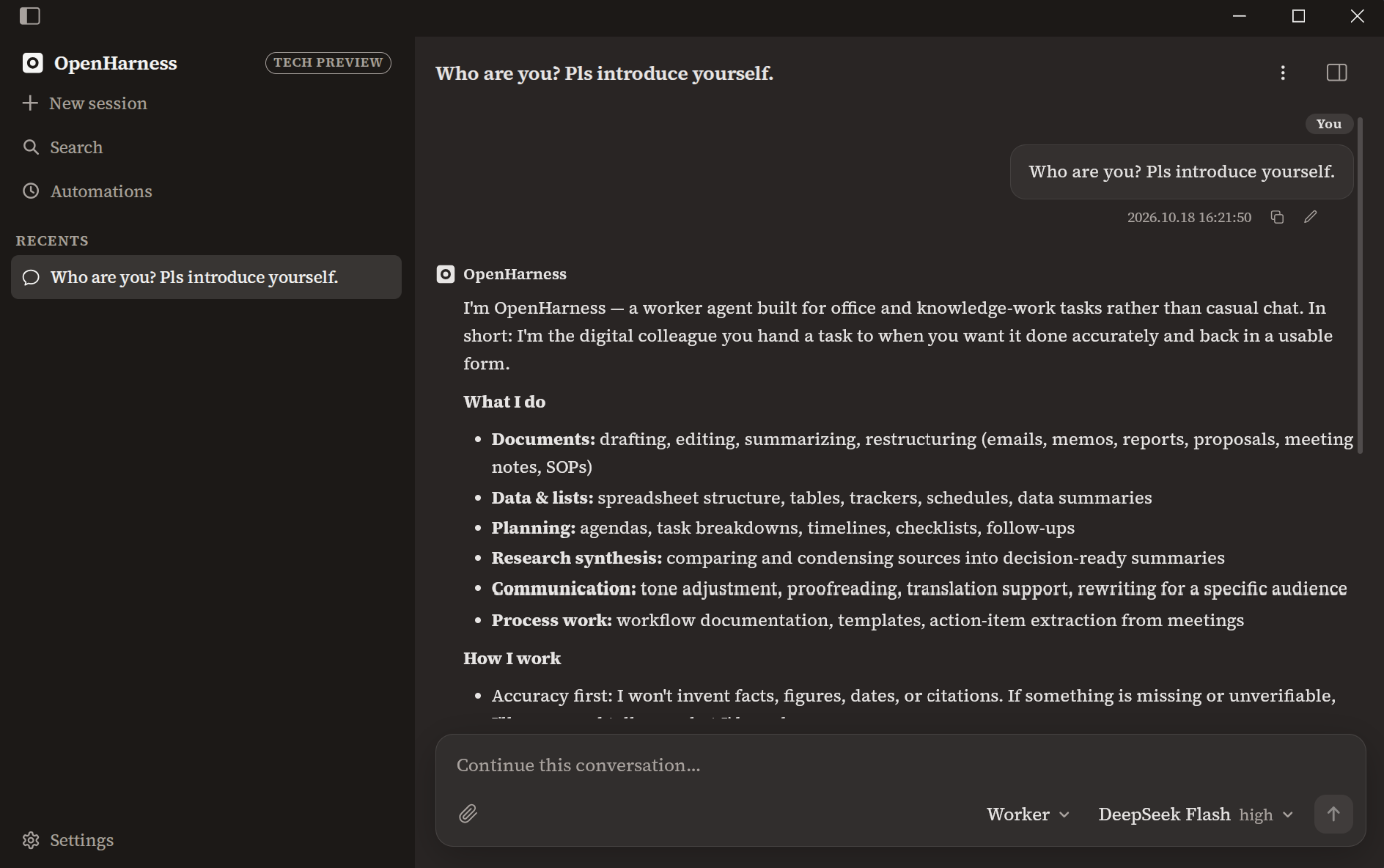
Chat is the interface, not the product. Files, tools, permissions and schedules stay attached to the session — so the work survives past the first answer.
Emails, memos, reports, meeting notes and SOPs — structured, proofread and written for the person who will read them.
Spreadsheets, tables, trackers and summaries, with units and formulas spelled out. No invented numbers, ever.
Reads local files and fetches the web, then turns it into a decision-ready summary with open questions called out.
Turn recurring prompts into interval or daily tasks. Each run gets its own session and a live status you can check.
Shell, file writes, web fetch and MCP tools are ask/allow/deny per category — and every call stays in the transcript.
Any OpenAI-compatible provider, per-model capabilities, and keys kept in the OS credential store — never in config files.
“Accuracy over speed. I won’t invent facts, figures, names, dates, citations, or sources. If something is missing or unverifiable, I’ll say so — and tell you what I need.”
Connect an OpenAI-compatible endpoint and paste your key. It goes straight into the OS credential store.
Worker ships tuned for office work. Write your own agent when the job needs a different voice or a different set of rules.
Attach files, approve the tools it asks for, and come back to a deliverable you can actually send.
Every conversation is a searchable transcript. Branch any message to try a different direction, or attach a file to give it more context.
OpenHarness is a technical preview. Put it on a real task, keep an eye on the approvals, and tell us where it falls short.